Every filled geom (geom_sketch_col(),
geom_sketch_rect(), geom_sketch_tile(),
geom_sketch_polygon(), geom_sketch_ribbon(),
geom_sketch_area(), geom_sketch_density(), and
the boxplot box) takes a fill_style. Under the hood, all of
them are produced by a single Active-Edge-Table scan-line filler
(hachure_fill() and friends) that works on arbitrary —
including concave — polygons.
The ten stroked styles
styles <- c("hachure", "cross_hatch", "zigzag", "zigzag_line", "scribble",
            "dots", "dashed", "stipple", "pencil_shade", "solid")

bars <- do.call(rbind, lapply(styles, function(s) {
  data.frame(style = s, x = c("A", "B", "C"), y = c(4, 6, 3))
}))
bars$style <- factor(bars$style, levels = styles)

# Draw a small panel per style by faceting and re-drawing each with its style.
# (fill_style is a layer parameter, so we build one layer per facet.)
plots <- lapply(styles, function(s) {
  ggplot(subset(bars, style == s), aes(x, y)) +
    geom_sketch_col(fill = "#E8A87C", fill_style = s, seed = 4L) +
    labs(subtitle = s, x = NULL, y = NULL) +
    theme_sketch(base_size = 9)
})

# Show them individually:
for (p in plots) print(p)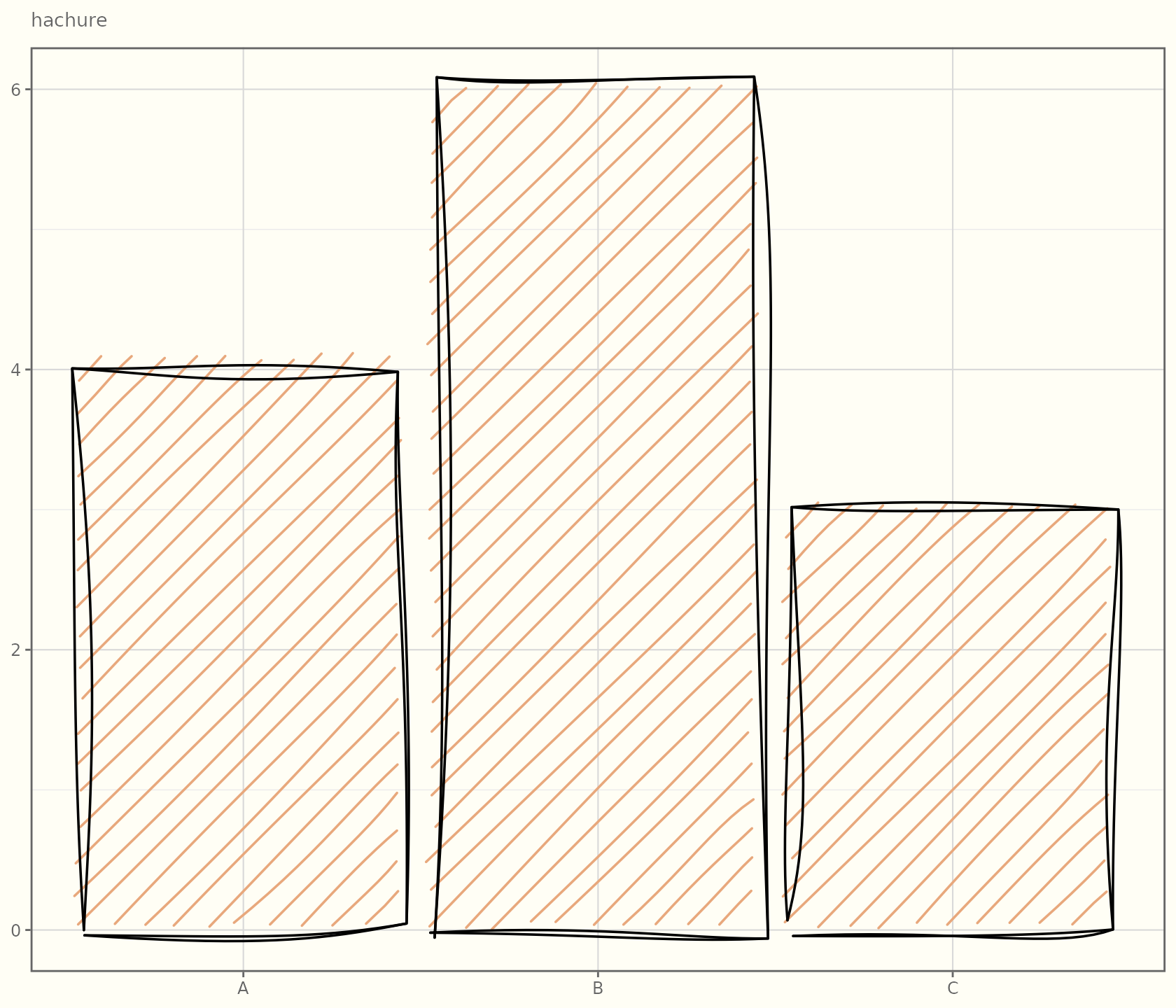
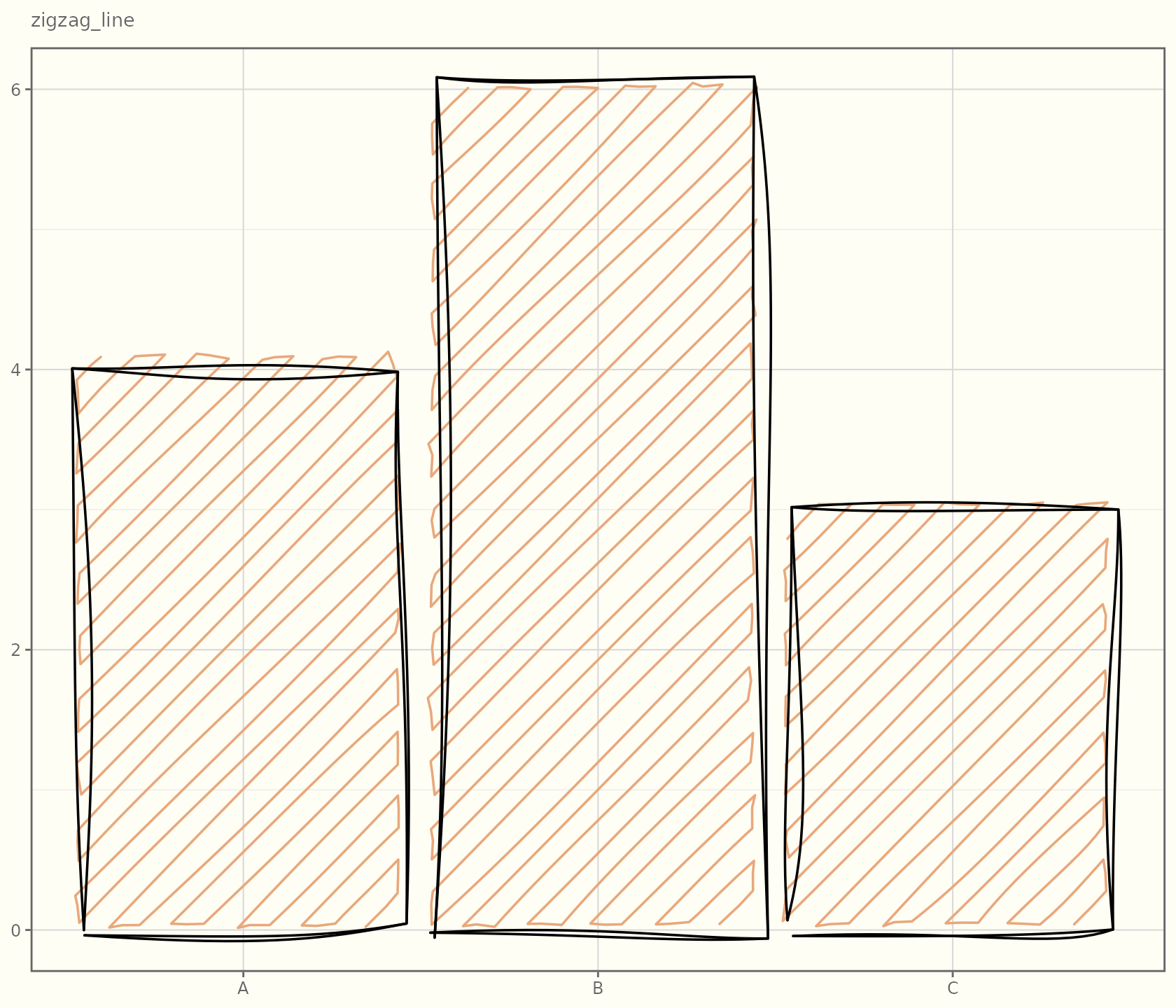
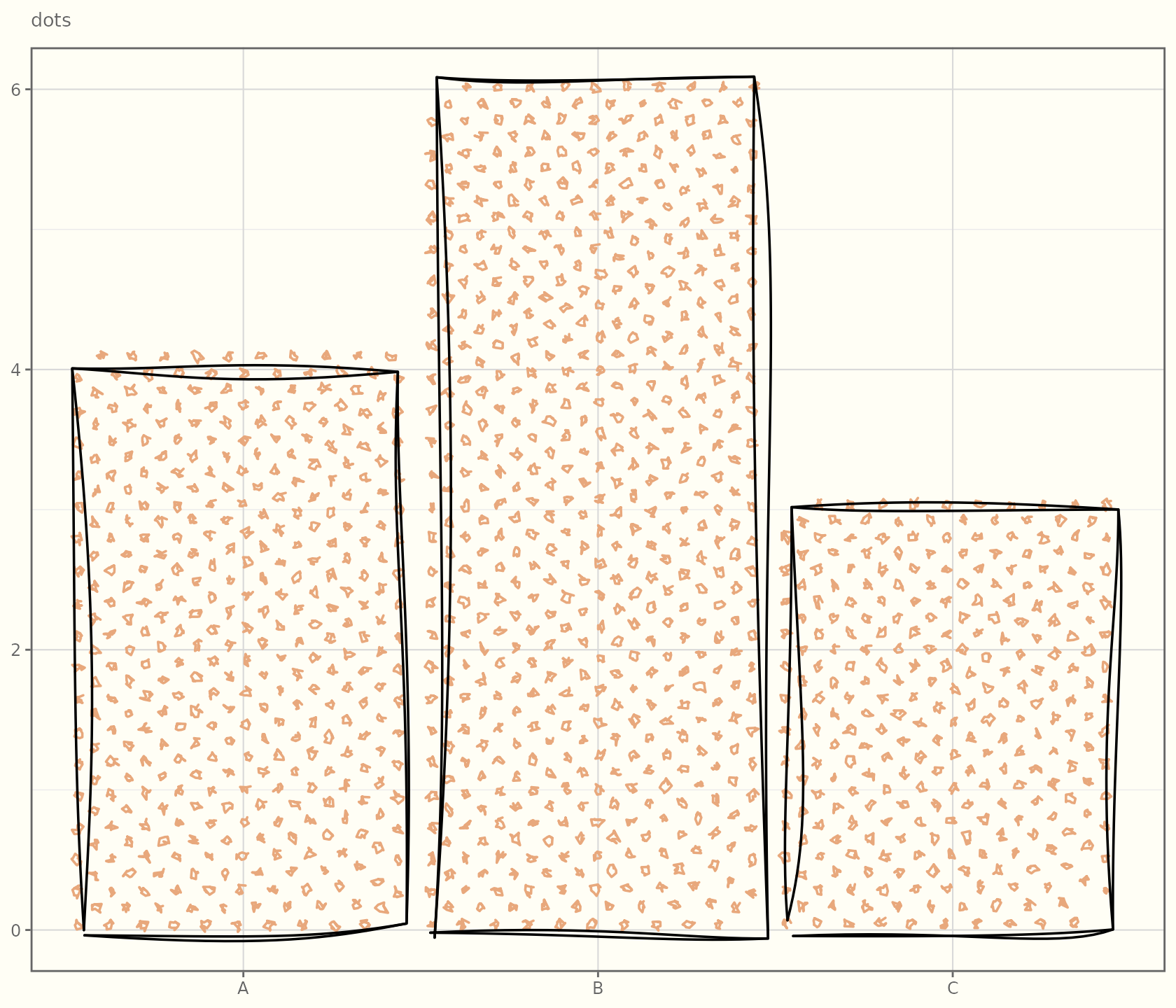
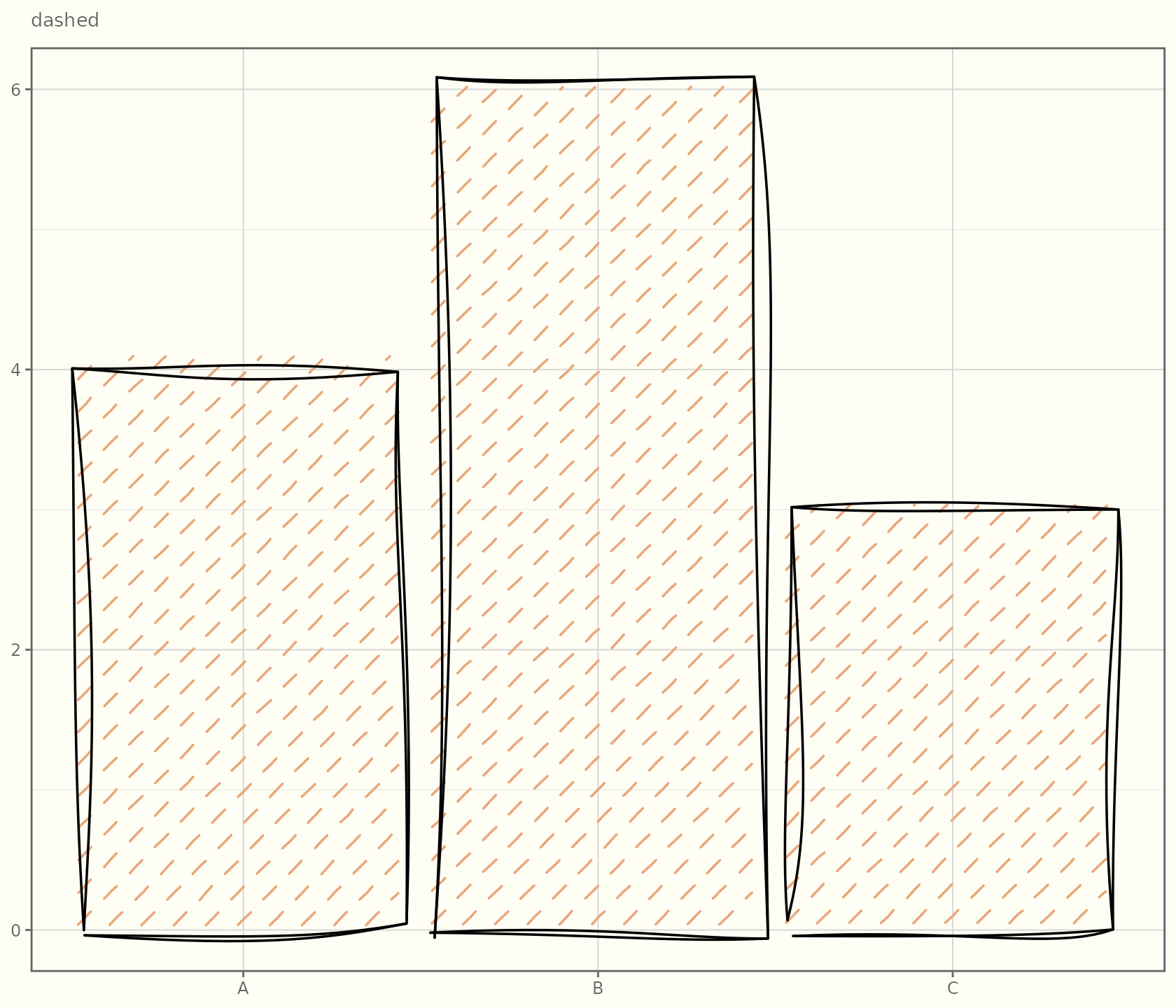
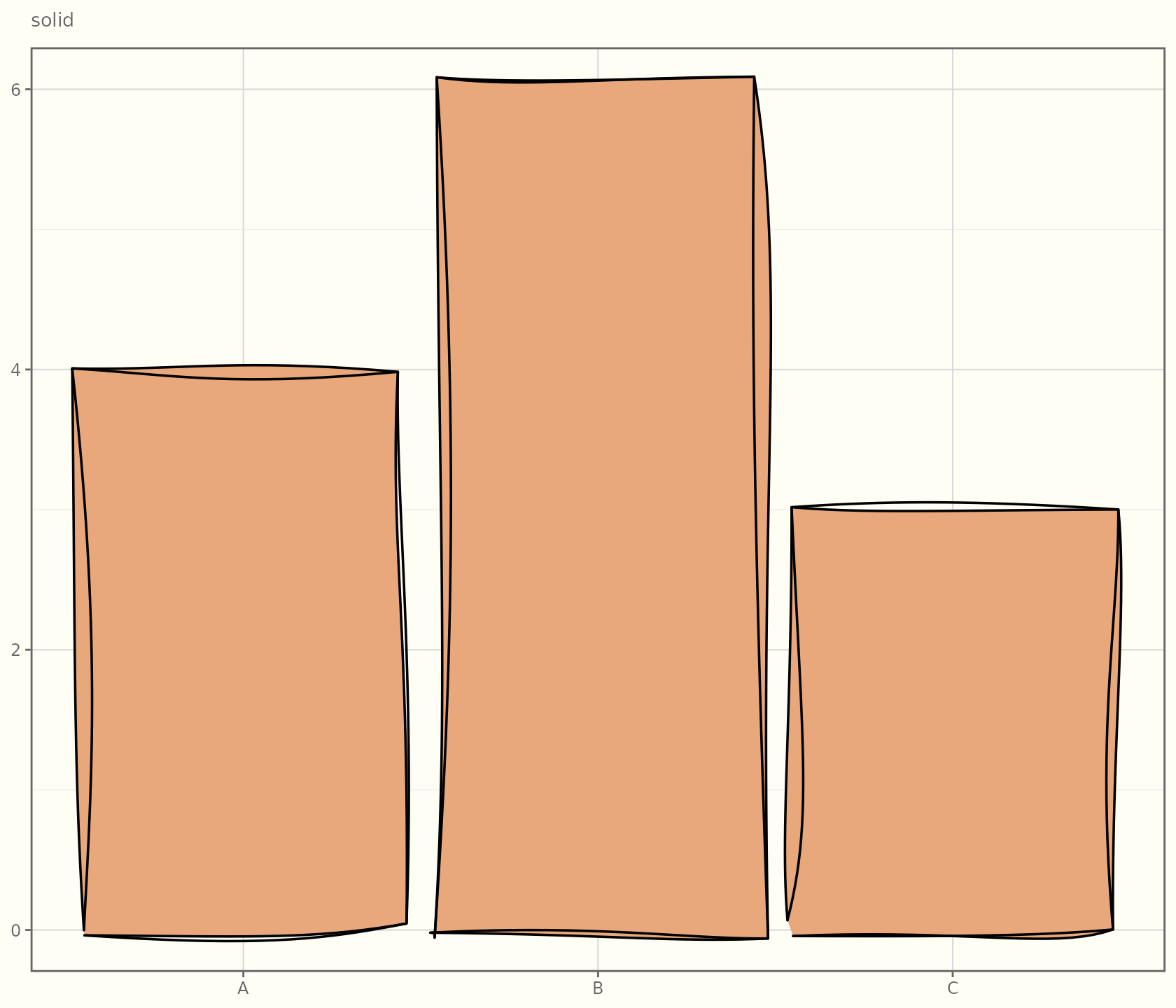
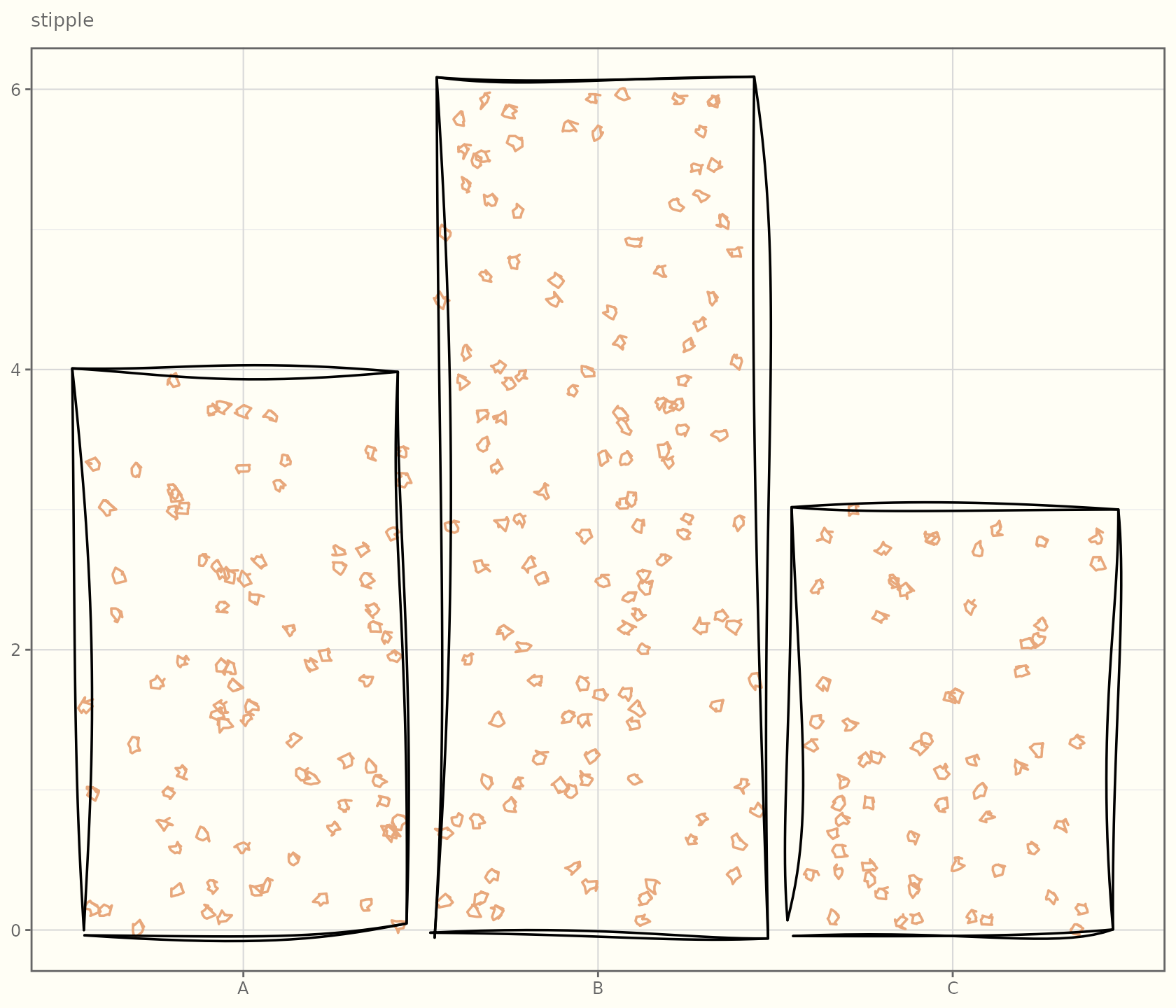
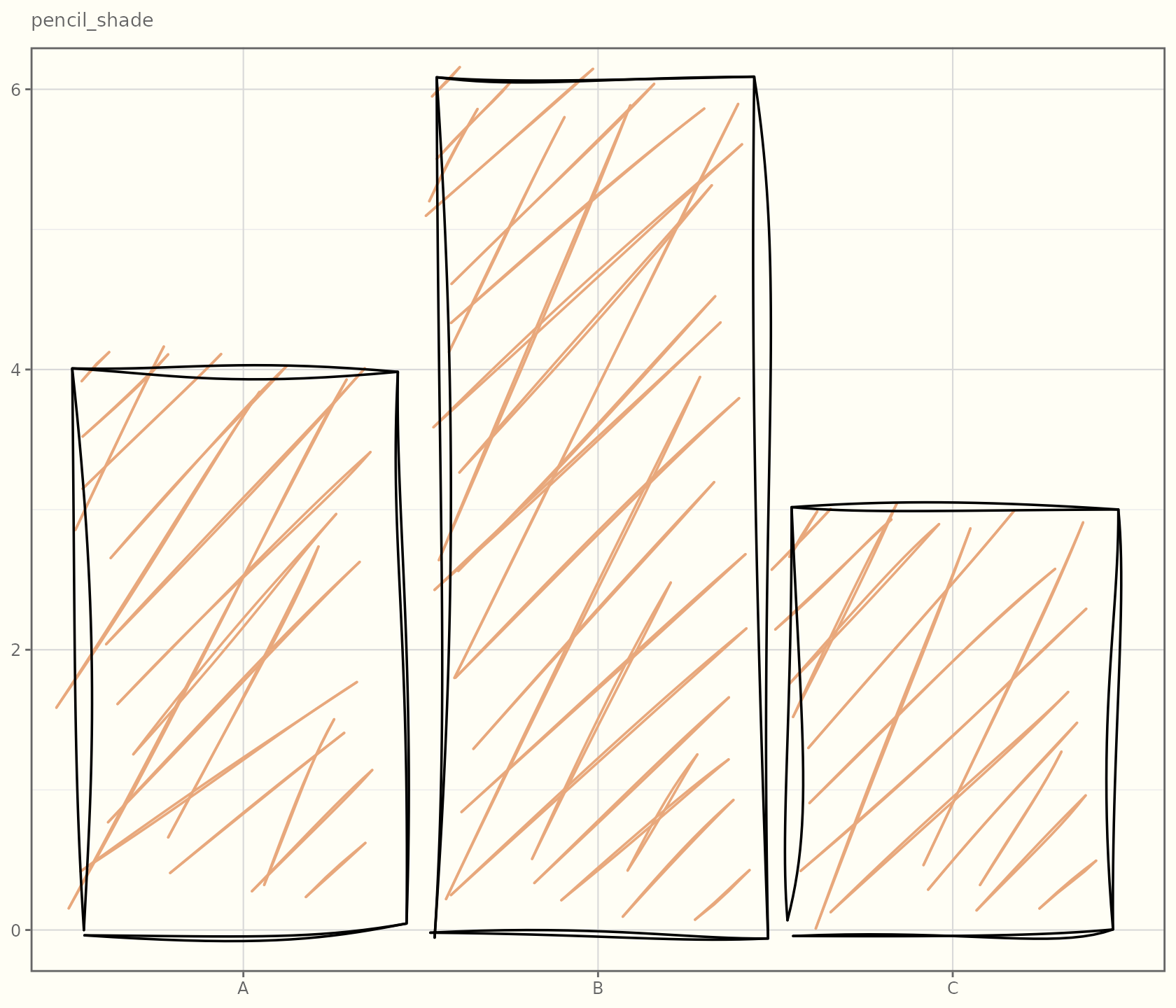
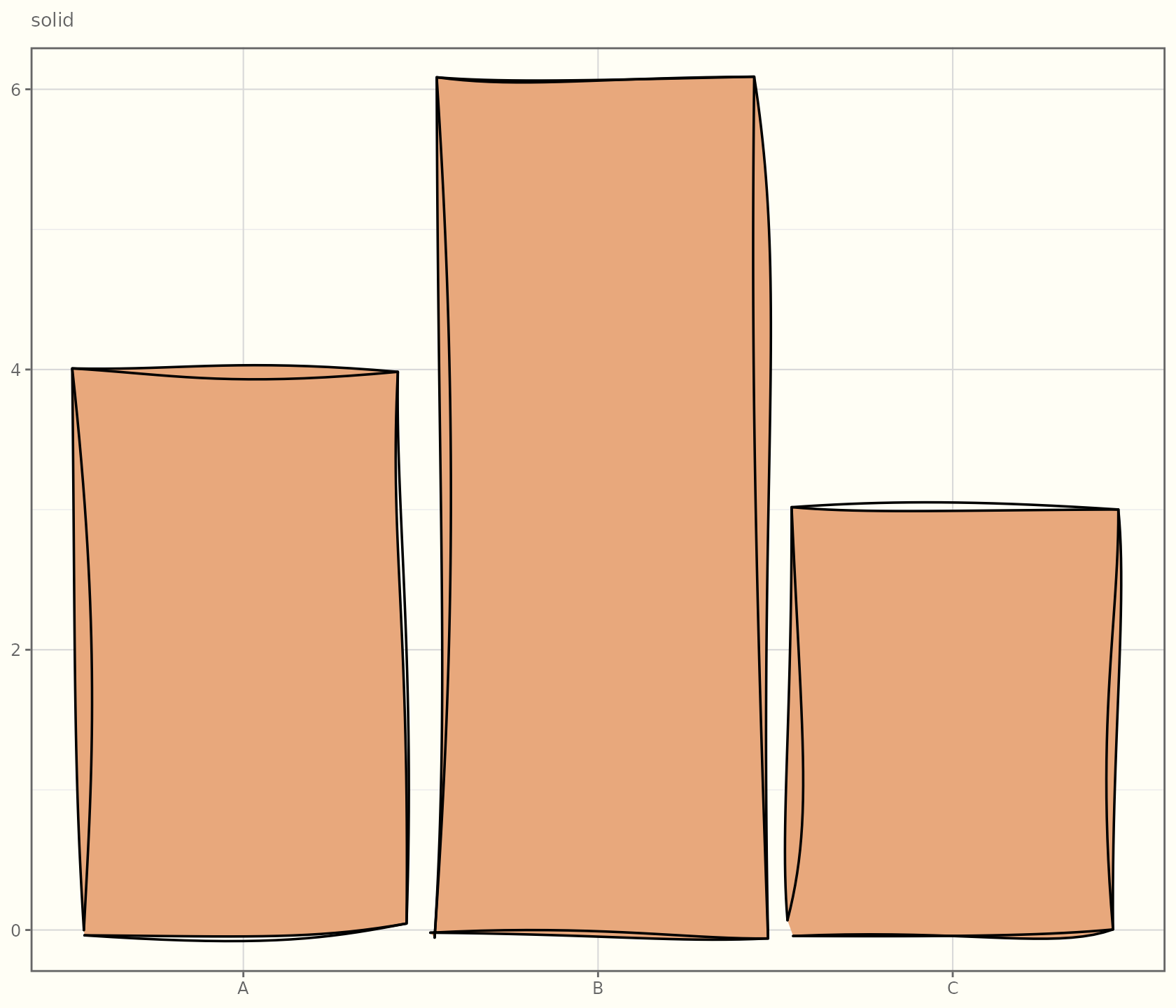
| Style | Look | Notes |
|---|---|---|
hachure |
Parallel diagonal strokes | The default; classic pencil shading. |
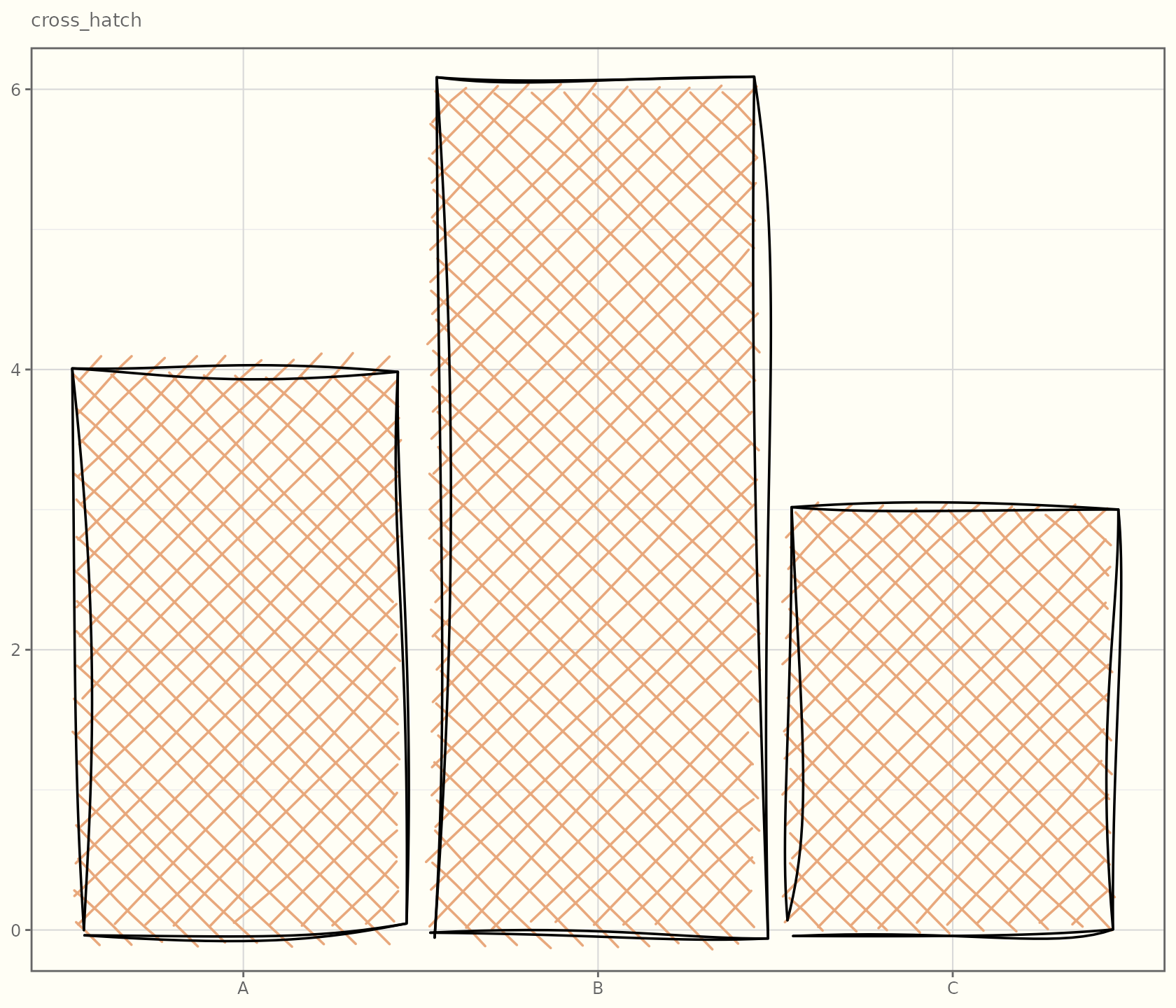
cross_hatch |
Hachure at angle and
angle + 90°
|
Denser, “darker” shading. |
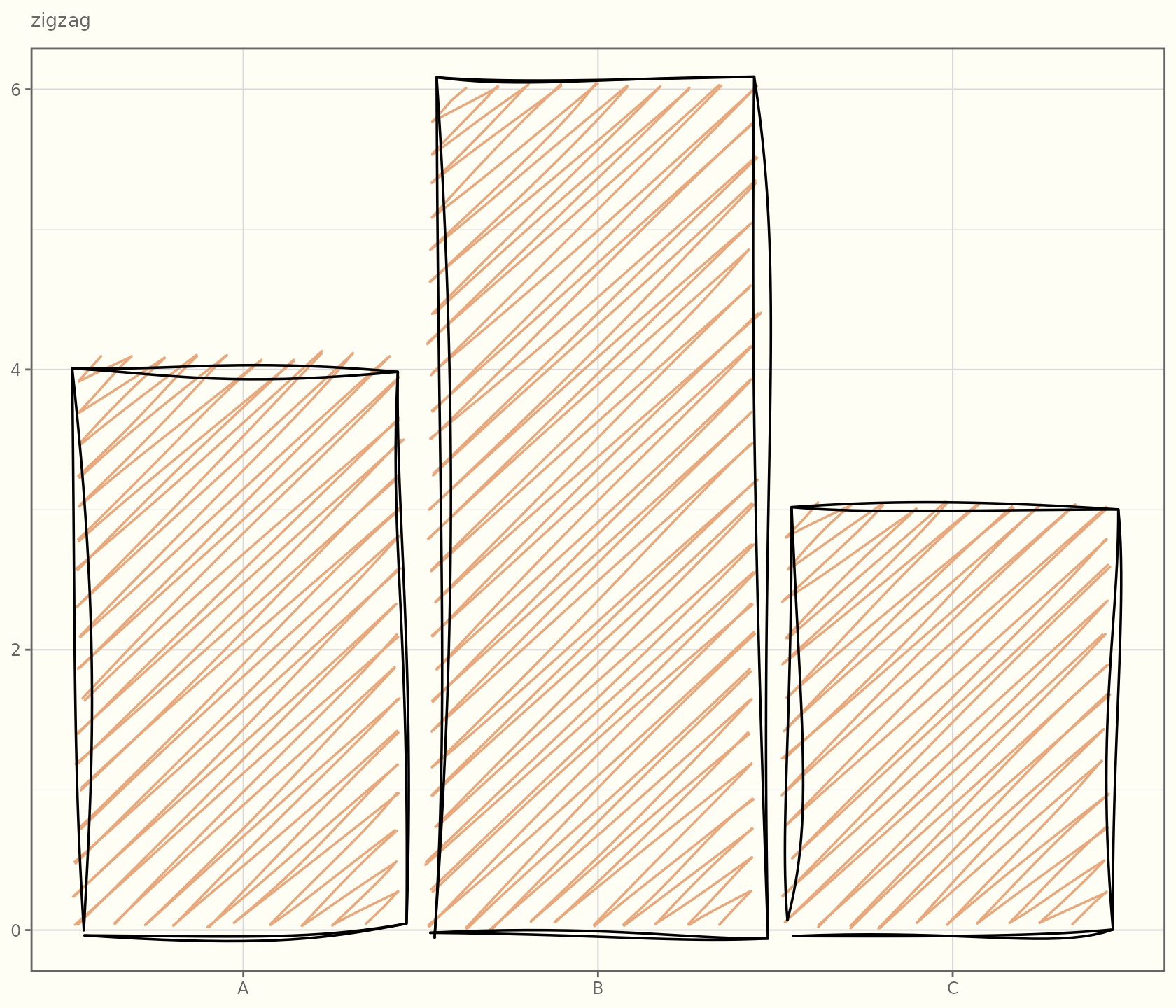
zigzag |
Hachure lines joined by diagonal connectors | A continuous scribble feel. |
zigzag_line |
Just the connectors, as one path | Lighter than zigzag. |
scribble |
One continuous winding stroke that overshoots the edge | Like scribbling to fill a shape. |
dots |
Tiny rough circles sampled along the lines | Regular dotted texture. |
dashed |
Hachure broken into dashes | Airy, sketchy texture. |
stipple |
Tiny rough dots scattered with blue-noise spacing | Denser than dots, engraving-like. |
pencil_shade |
Overlapping side-of-pencil strokes | Soft graphite tone. |
solid |
One flat swatch under the roughened outline | A plain fill that keeps the hand-drawn edge. |
Watercolour washes
fill_style = "watercolor" is a different beast: instead
of scan-line strokes it lays down several translucent, slightly bled and
scaled copies of the shape, plus fine granulation specks — a painted
wash rather than a drawn hatch. It honours holes (so it works on
geom_sketch_contour_filled() bands and donut slices) and
applies to every polygon-, ribbon-, ellipse-, and band-filled geom.
ang  <- seq(0, 2 * pi, length.out = 9)[-9]
hex  <- data.frame(x = cos(ang), y = sin(ang))
ggplot(hex, aes(x, y)) +
  geom_sketch_polygon(fill = "#2E86C1", fill_style = "watercolor", seed = 1L) +
  coord_equal() +
  labs(title = "fill_style = \"watercolor\"") +
  theme_sketch()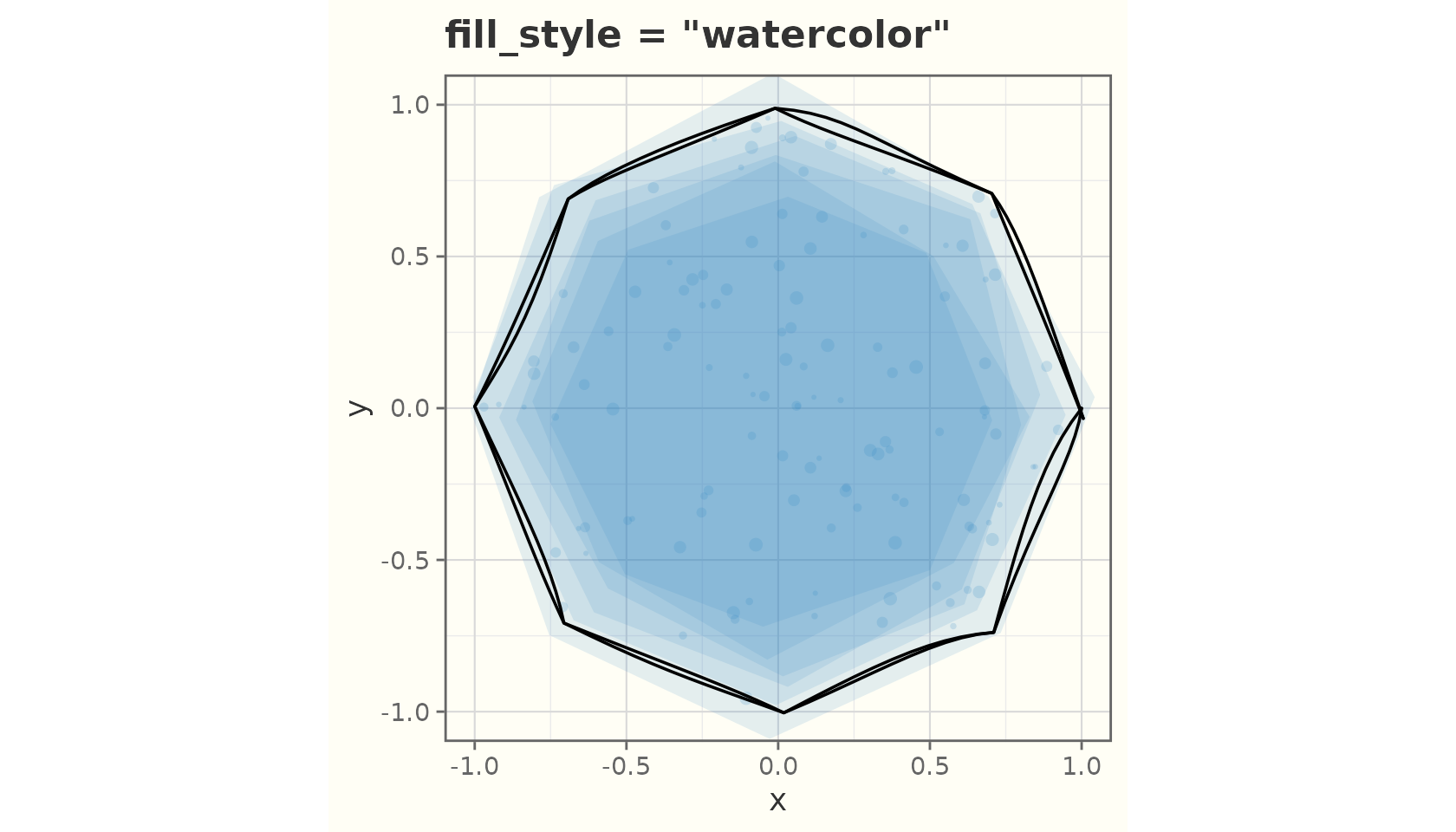
Because it is a wash, the hachure-tuning parameters below
(hachure_angle, hachure_gap,
fill_weight) do not apply to it.
Tuning the hachure
Three parameters control the texture.
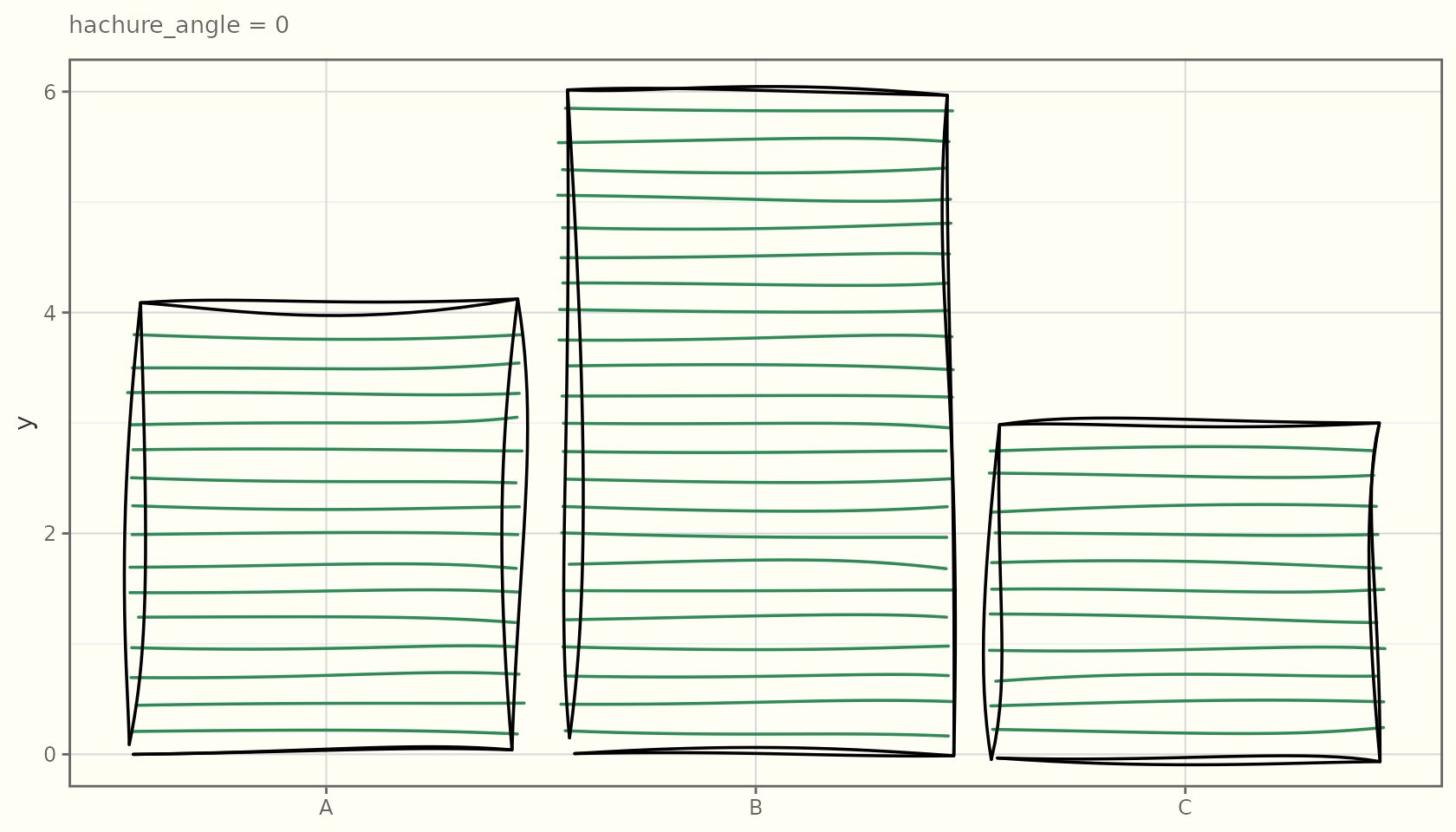
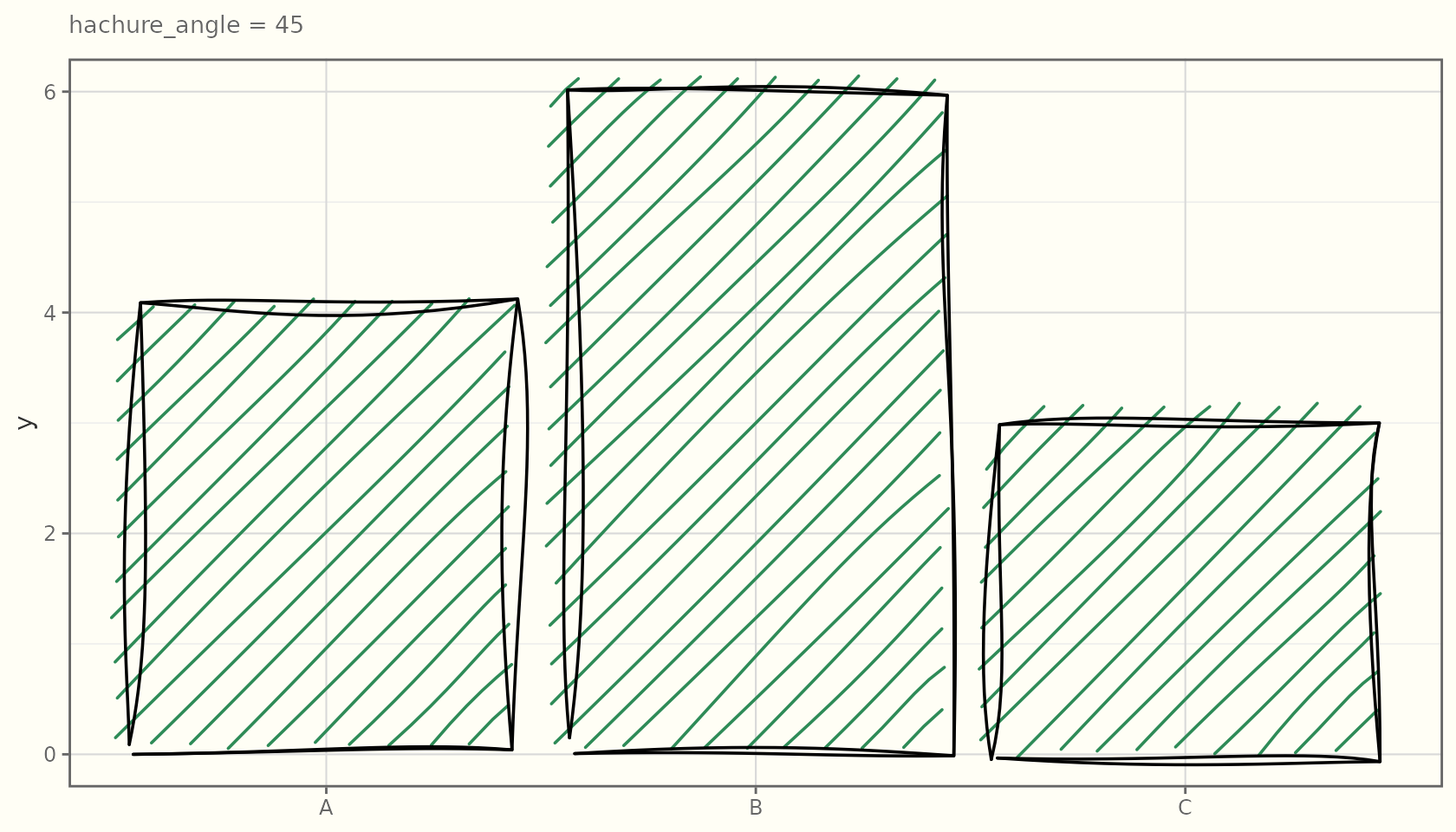
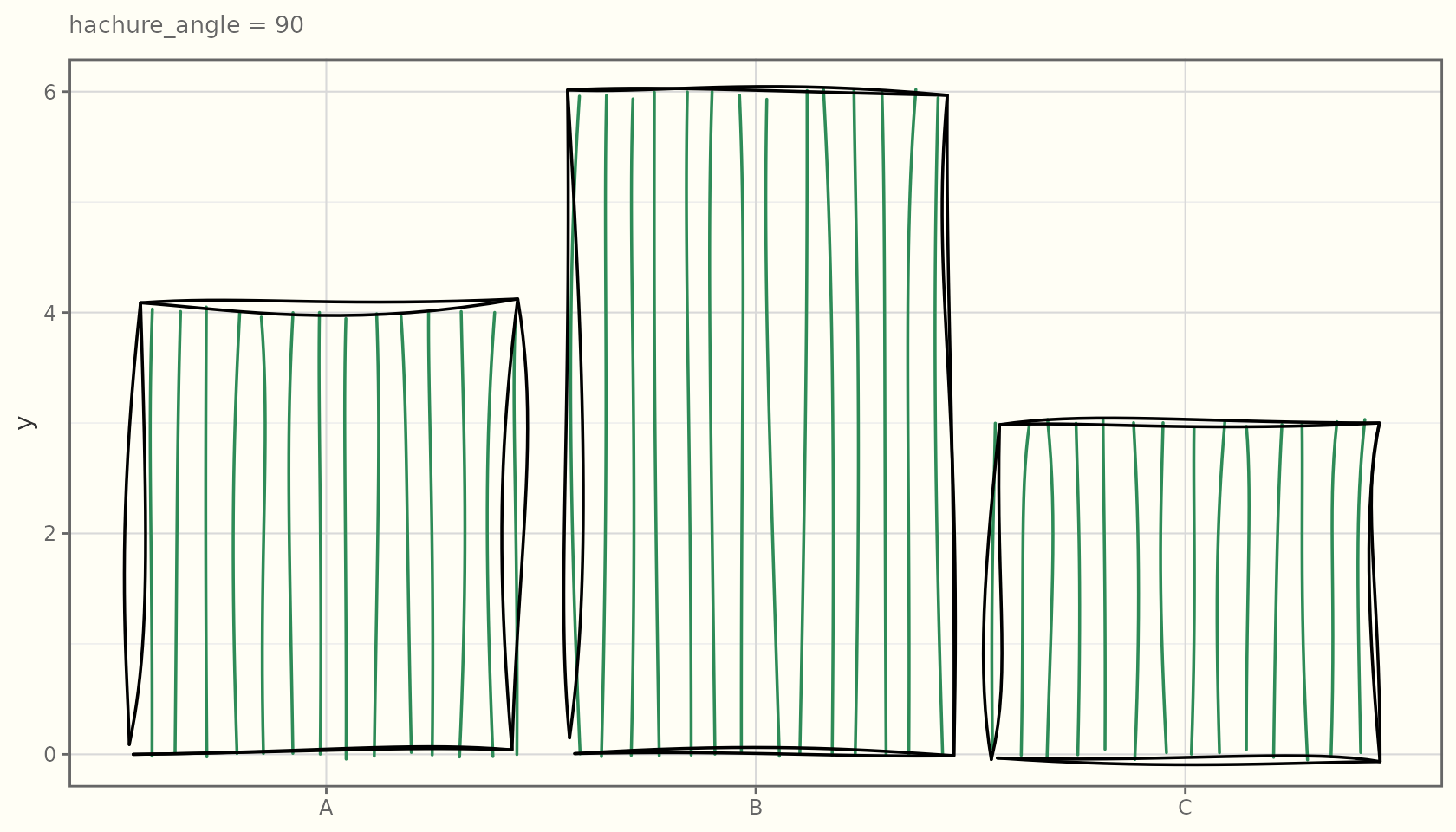
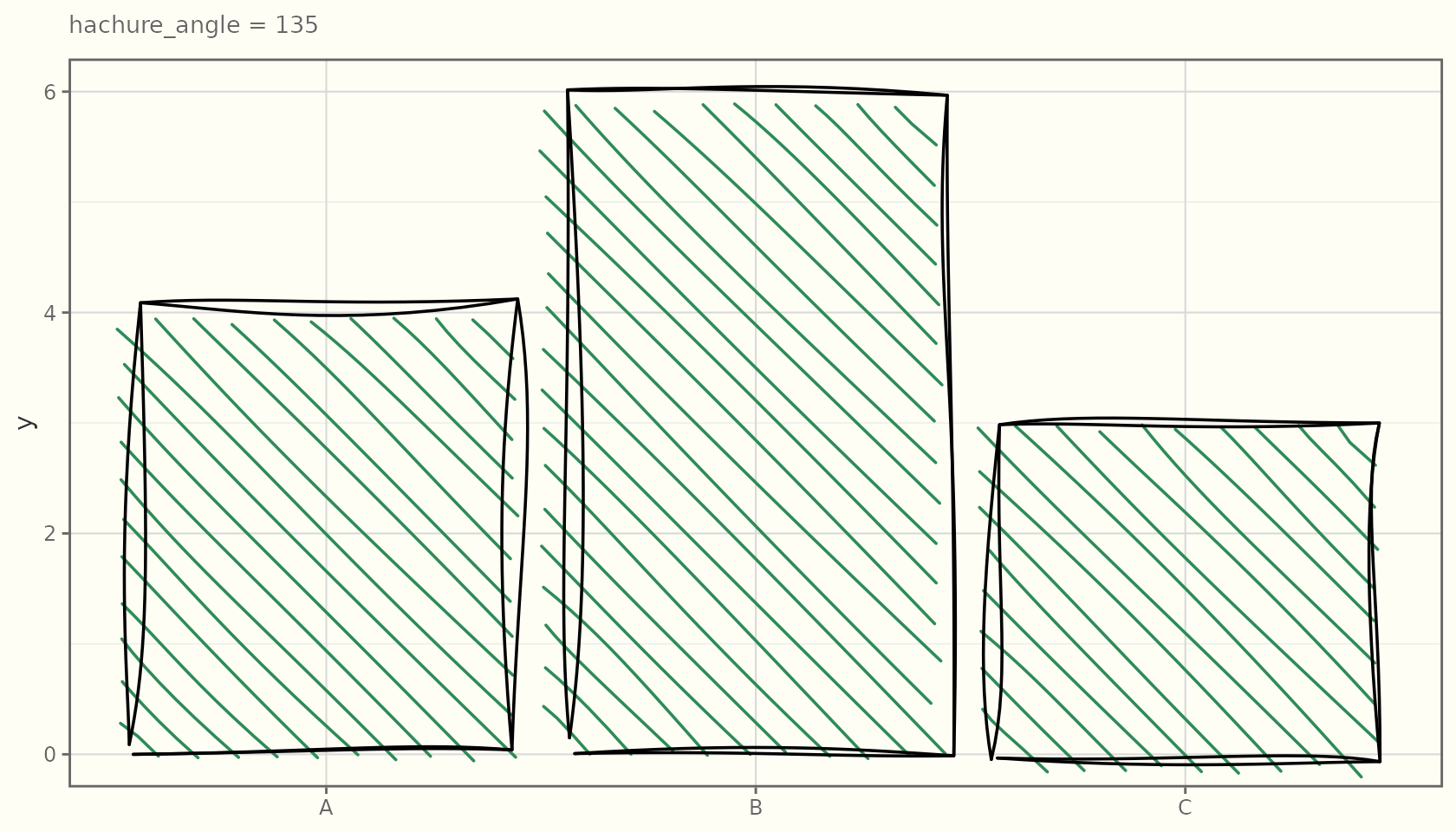
hachure_angle
The angle (degrees) of the fill lines:
df <- data.frame(x = c("A", "B", "C"), y = c(4, 6, 3))
for (a in c(0, 45, 90, 135)) {
  print(
    ggplot(df, aes(x, y)) +
      geom_sketch_col(fill = "seagreen", hachure_angle = a, seed = 1L) +
      labs(subtitle = paste("hachure_angle =", a), x = NULL) +
      theme_sketch(base_size = 9)
  )
}
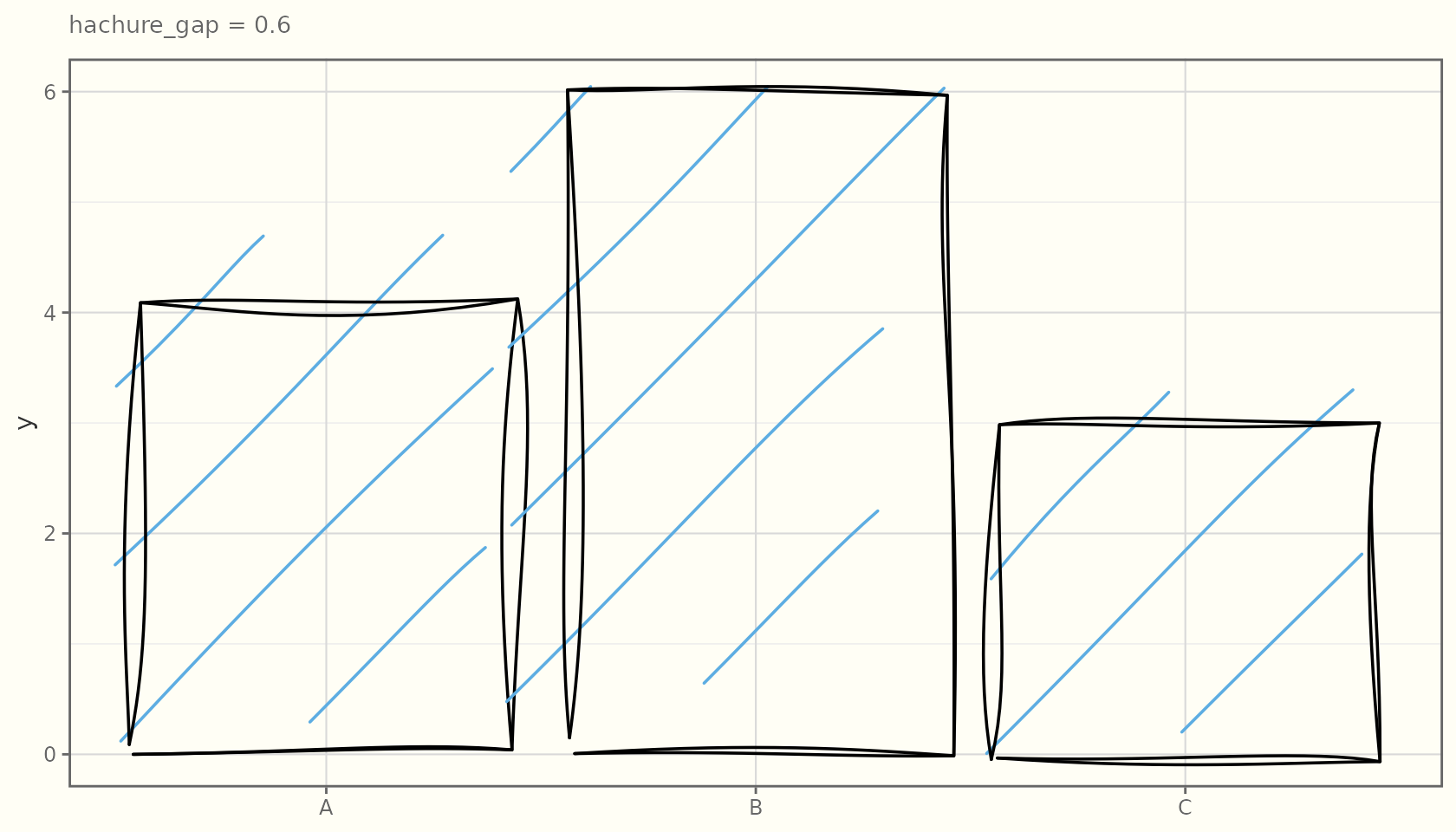
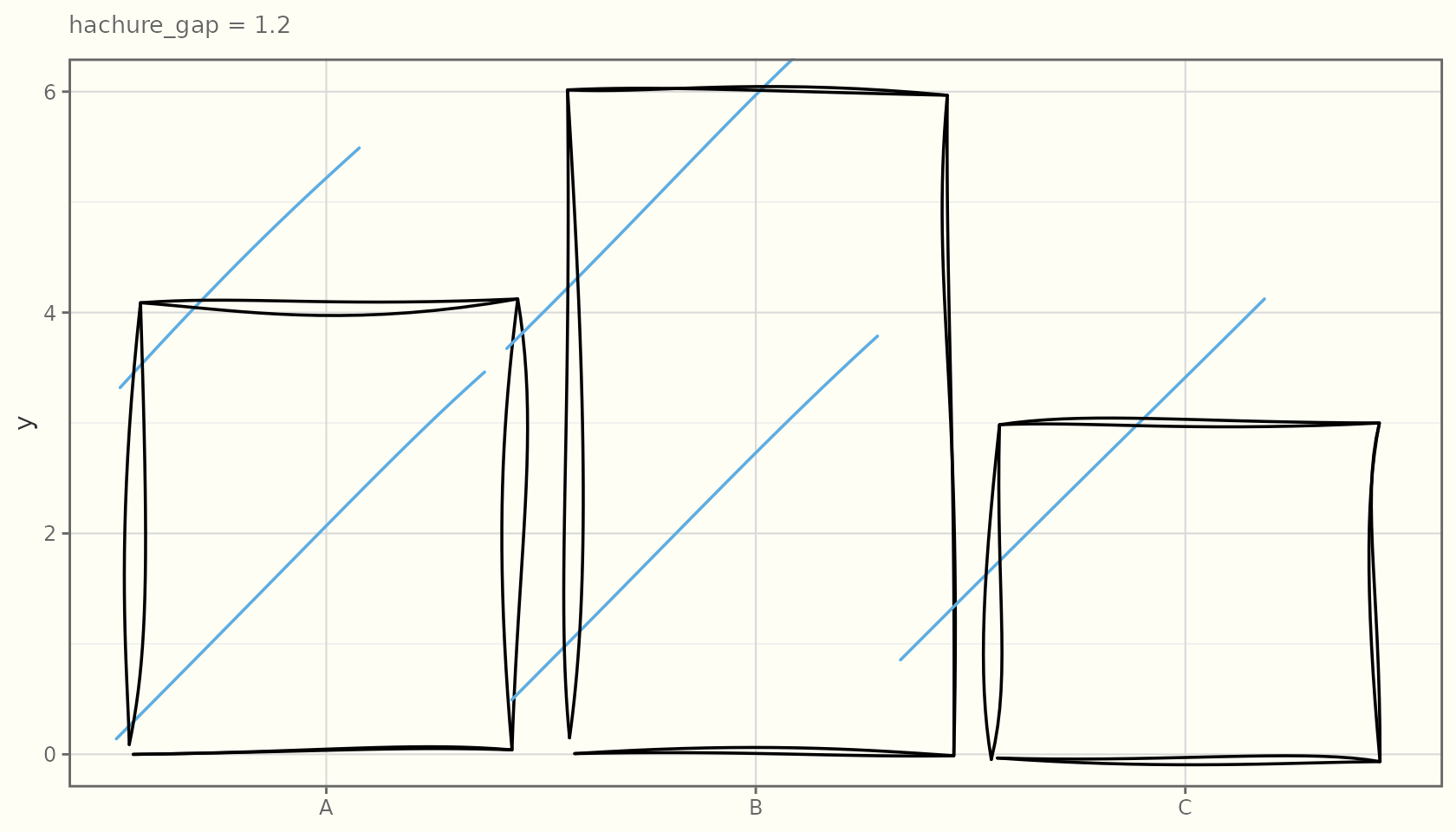
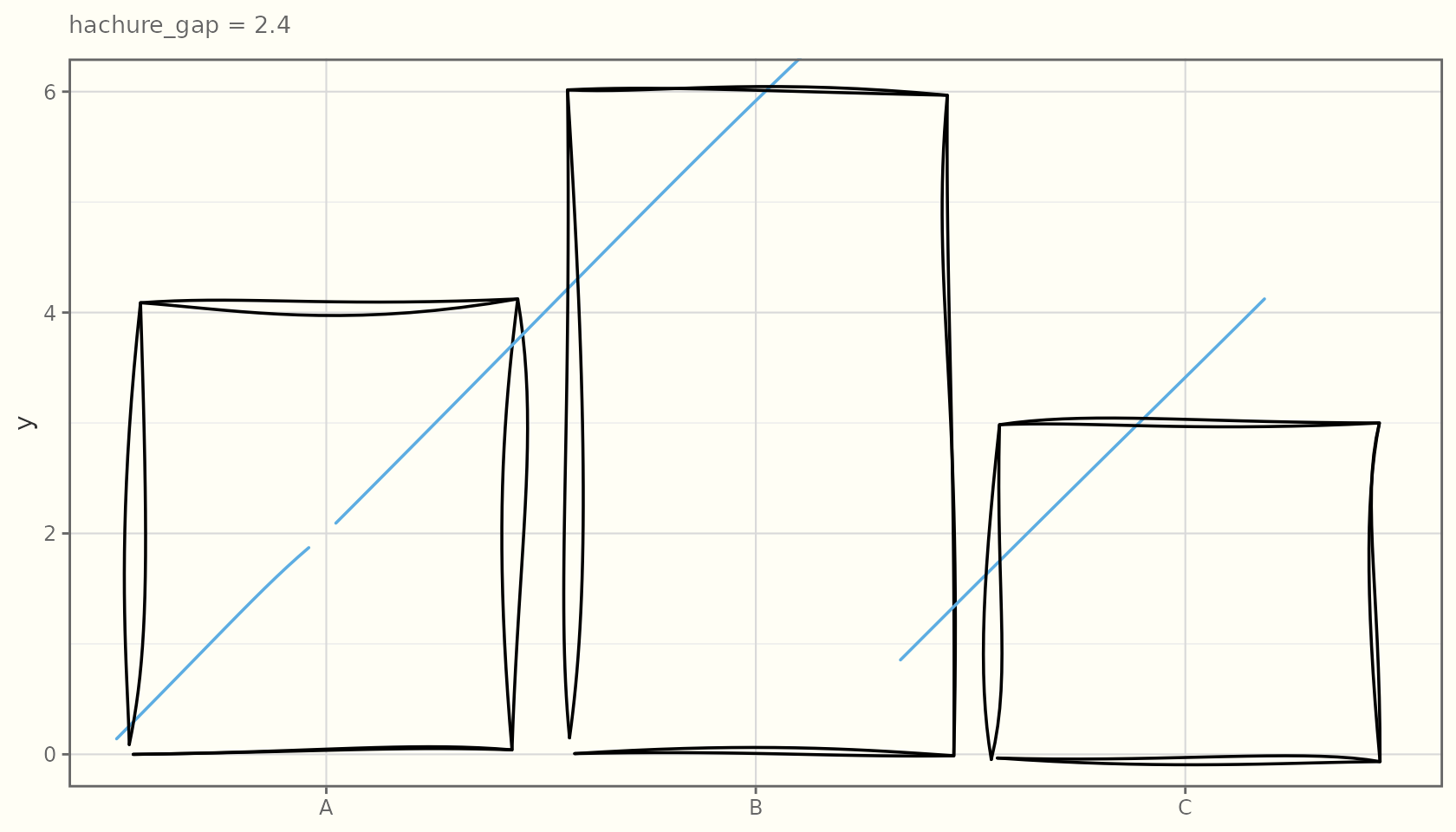
hachure_gap
Spacing between fill lines, in data units — smaller means denser shading:
for (g in c(0.6, 1.2, 2.4)) {
  print(
    ggplot(df, aes(x, y)) +
      geom_sketch_col(fill = "#5DADE2", hachure_gap = g, seed = 1L) +
      labs(subtitle = paste("hachure_gap =", g), x = NULL) +
      theme_sketch(base_size = 9)
  )
}
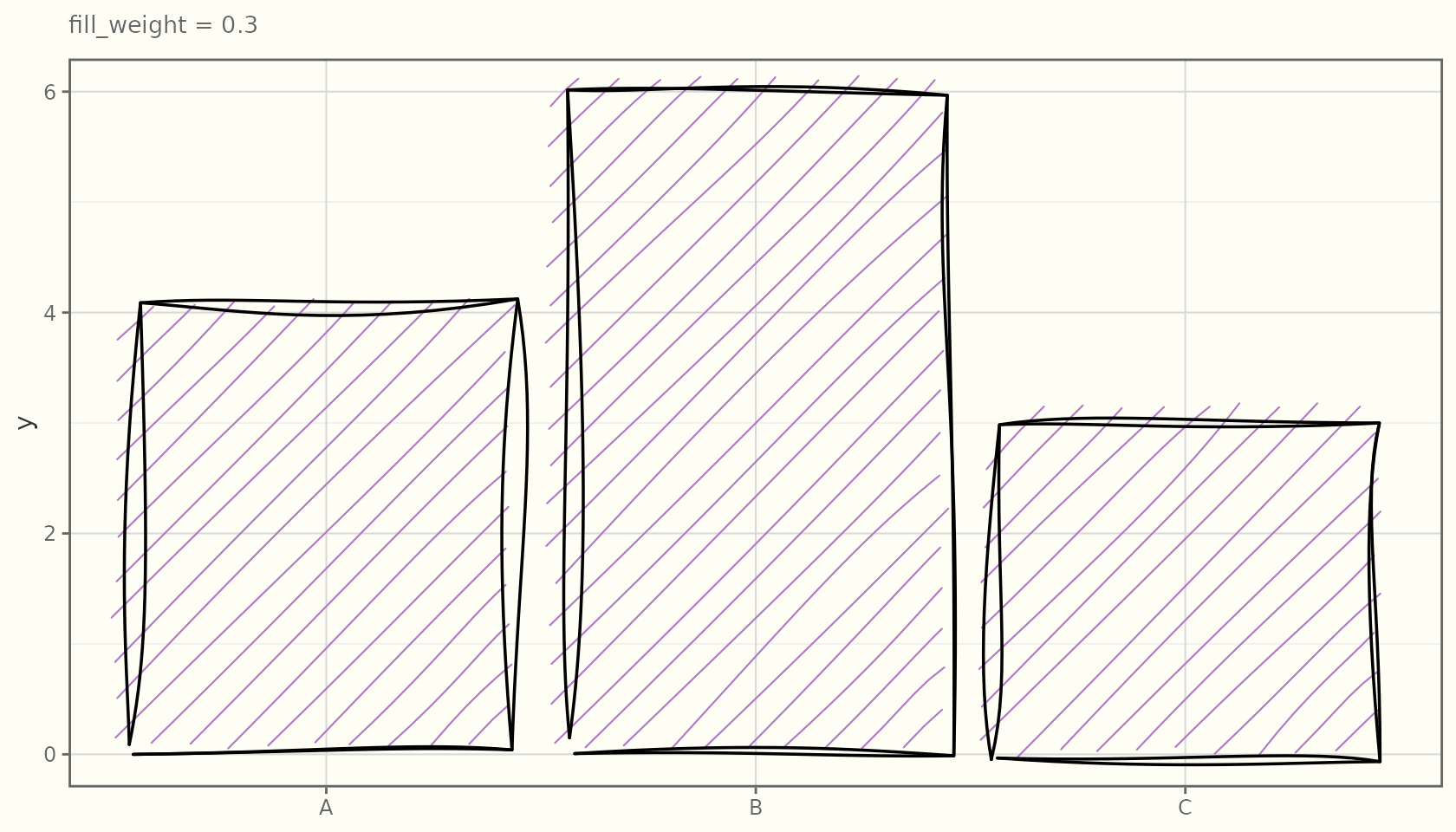
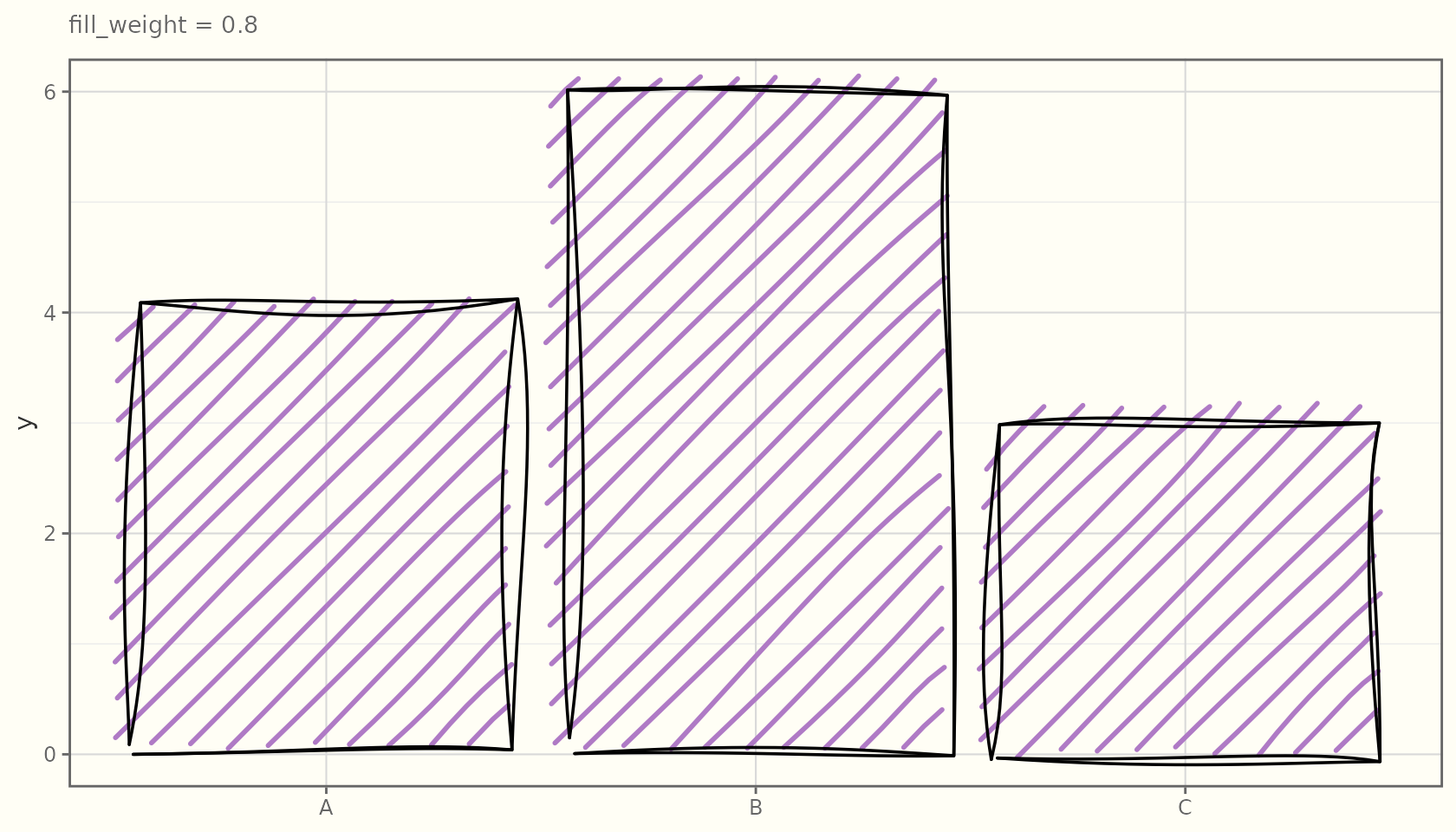
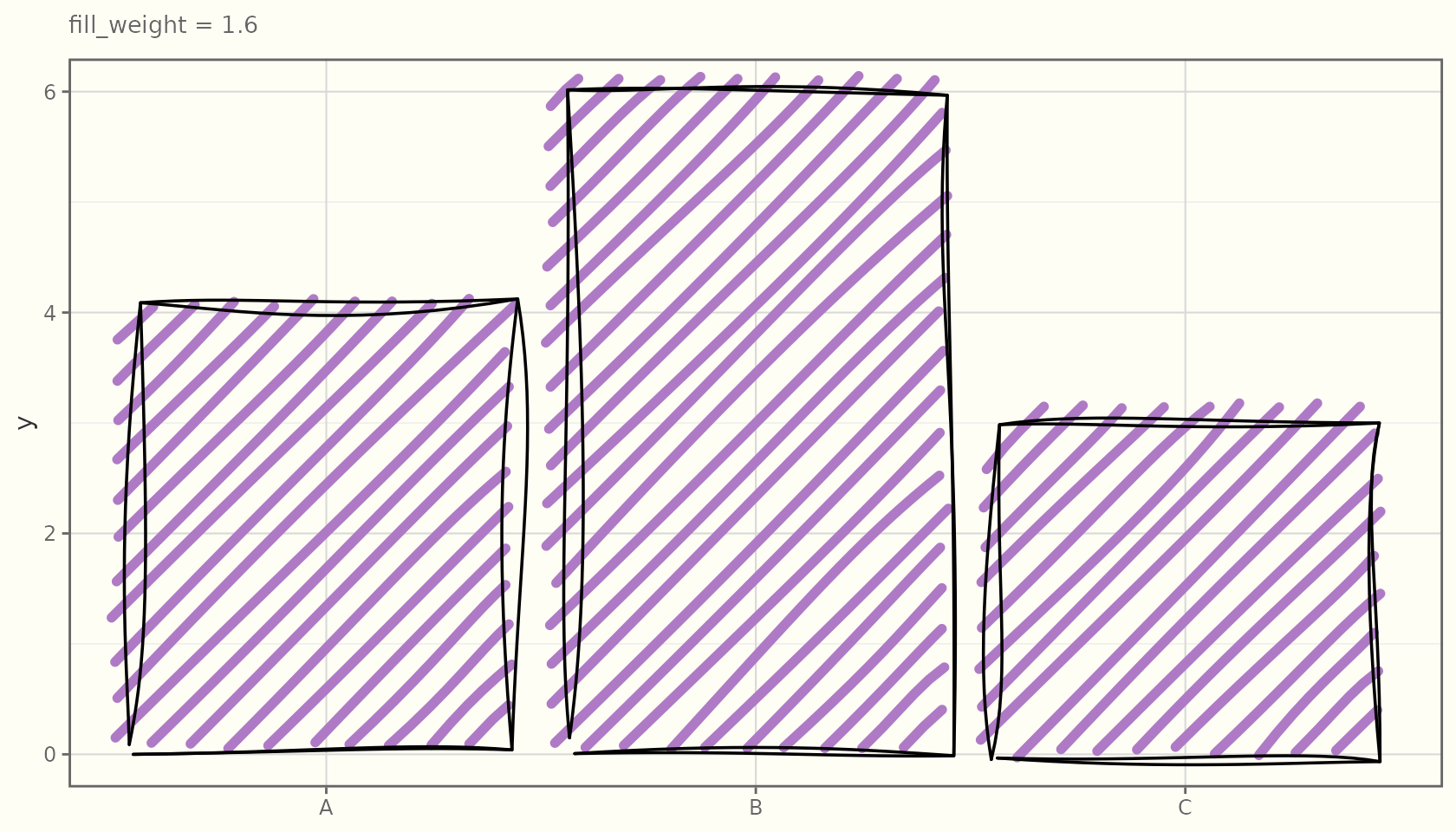
fill_weight
The stroke weight of the fill lines:
for (w in c(0.3, 0.8, 1.6)) {
  print(
    ggplot(df, aes(x, y)) +
      geom_sketch_col(fill = "#AF7AC5", fill_weight = w, seed = 1L) +
      labs(subtitle = paste("fill_weight =", w), x = NULL) +
      theme_sketch(base_size = 9)
  )
}
Fills follow the shape
Because the filler is a true scan-line algorithm, the texture conforms to any polygon outline, not just rectangles:
ang  <- seq(0, 2 * pi, length.out = 9)[-9]
hex  <- data.frame(x = cos(ang), y = sin(ang))
ggplot(hex, aes(x, y)) +
  geom_sketch_polygon(fill = "#E74C3C", fill_style = "cross_hatch",
                      hachure_angle = 30, seed = 1L) +
  coord_equal() +
  labs(title = "Cross-hatch on a hexagon") +
  theme_sketch()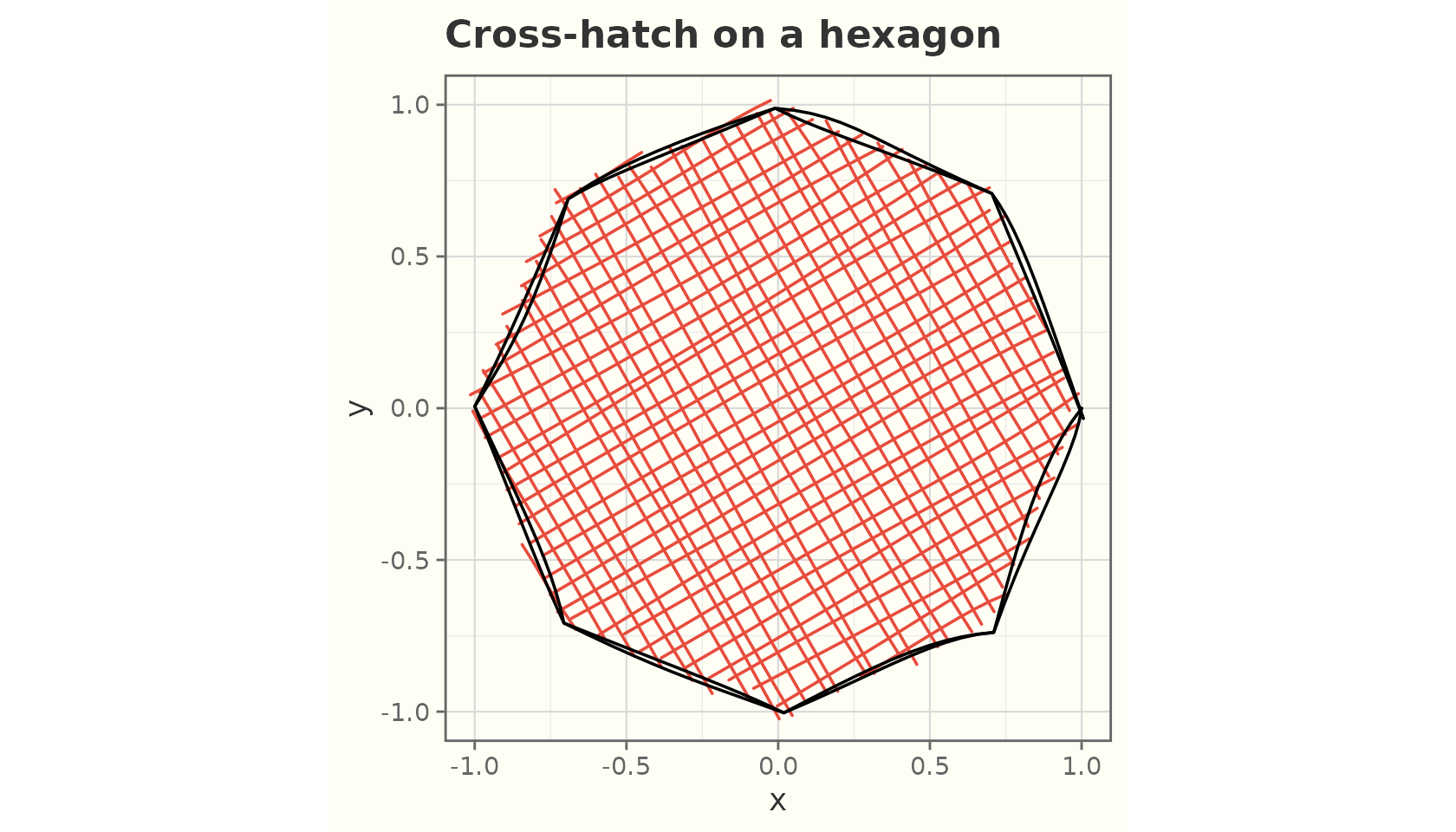
td <- expand.grid(x = 1:5, y = 1:3)
td$z <- td$x
ggplot(td, aes(x, y, fill = z)) +
  geom_sketch_tile(fill_style = "dots", seed = 1L) +
  scale_fill_viridis_c() +
  labs(title = "Dotted tiles") +
  theme_sketch()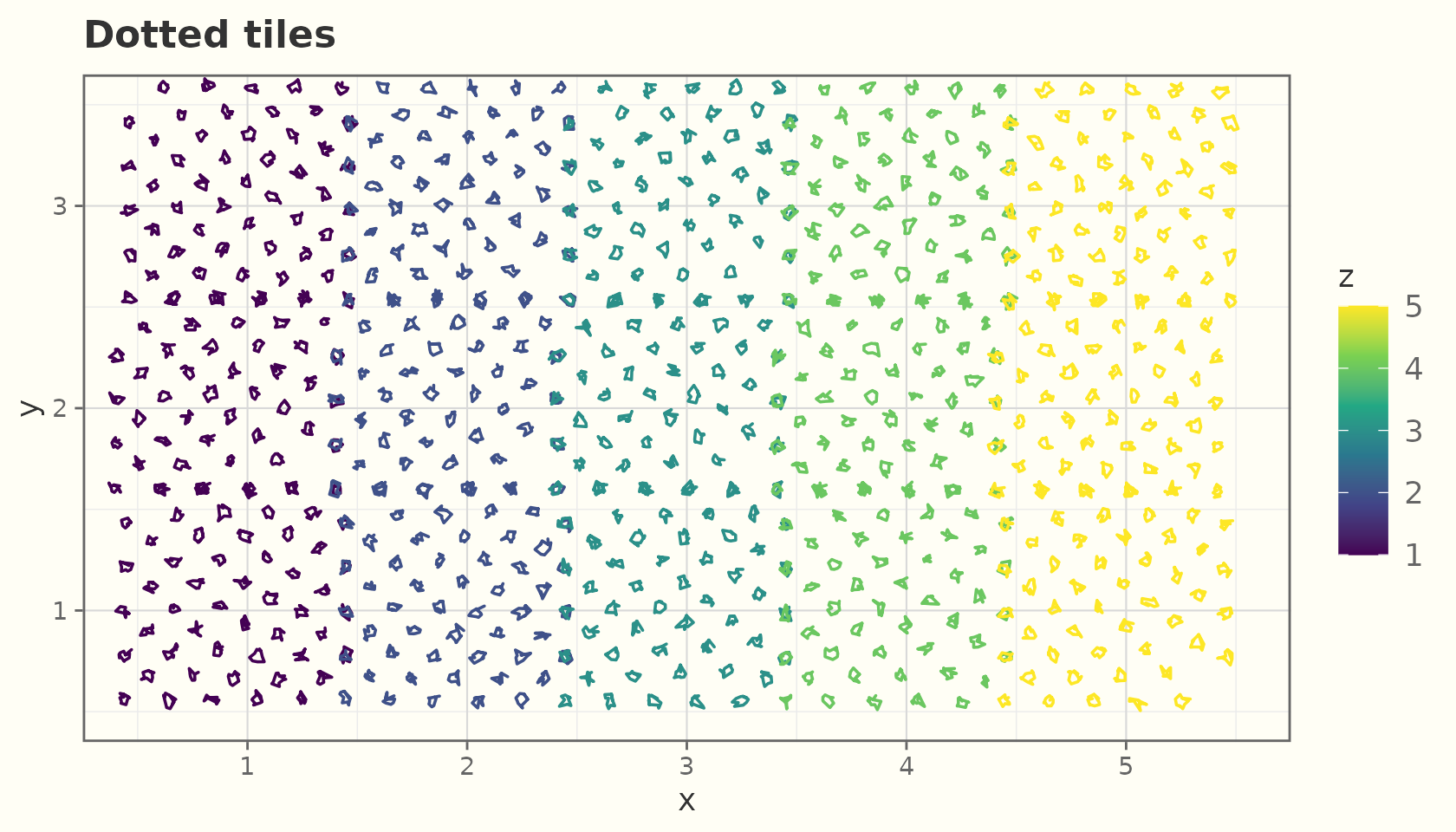
Working directly with the filler
The fill geometry comes from pure Layer-1 functions you can call
yourself — useful for testing or custom grobs.
sketch_fill() dispatches to the styles and returns a list
of line segments:
square_x <- c(0, 1, 1, 0)
square_y <- c(0, 0, 1, 1)
segs <- sketch_fill(square_x, square_y, fill_style = "hachure",
                    hachure_gap = 0.15, seed = 1L)
length(segs)      # number of fill segments
#> [1] 8
head(segs[[1]])   # each segment is a matrix of x/y points
#>              x          y
#> [1,] 0.7093499 0.07633409
#> [2,] 0.8440814 0.20310311
#> [3,] 0.9270041 0.27937282